
Quick answer: Facebook is where your residential and neighborhood-based Christmas light leads actually live. Property managers don't hang out here — homeowners, HOA Facebook groups, and local "ask the neighborhood" community pages do. If you do one thing on Facebook this year, it's not posting more. It's getting into the right Groups.
I'm Jason Geiman. I scaled a Christmas light installation business from $2,000 to $1M+ with four crews, sold it in 2018, and now run Christmas Lights HQ (wholesale gear for installers) and ChristmasLights.io (training and community, 43,000+ contractors strong). Here's what I learned the hard way about Facebook for an install business — and what the 2026 algorithm actually rewards.
Why Facebook still matters for a Christmas light business
Yes, it's true the kids aren't on Facebook anymore. But your customers are. Specifically:
- Homeowners aged 35–65 — the exact demo writing $1,500–$5,000 residential checks. Still the #1 social platform for this group.
- Neighborhood community groups — "Eastside Cincinnati Neighborhood," "[Your Suburb] Moms," "[Your County] Recommends." When a homeowner needs a vendor, the first place they ask is the local Facebook group.
- HOA Facebook groups — many HOAs run private Facebook groups instead of (or alongside) traditional websites. Board members live in there.
- Facebook Marketplace — surprising amount of "looking for Christmas light installer" posts. Free leads if you're paying attention.
- Facebook Ads — still one of the cheapest CPMs for local lead-gen (geographic + age + interest targeting unmatched by Google).
The strategic difference vs LinkedIn: LinkedIn = commercial/B2B leads. Facebook = residential/community leads. Different platform, different audience, different play. You need both, but you run them differently.
Don't make a new Facebook Page if you already have one
This is the #1 mistake I see contractors make. They Google "how to set up a Facebook page for my business," follow the wizard, and end up with a brand new Page with 0 followers. Meanwhile their old personal profile has 1,200 friends who would have followed the Page they already had.
If you already have any Facebook Page — even an old one with a different name, even an old "personal page" that's actually a Business Page — rename it. Reuse it. The followers and history are worth far more than a clean slate.
The only time to create a brand new Page is if (a) you've genuinely never had one, or (b) your existing Page is for a completely different business that you still actively run (so you can't rename it).
Renaming an existing Page
- Go to your existing Page → Settings → Page details.
- Update Name to your current business name.
- Update Username (URL slug) — this becomes
facebook.com/yourbusiness. - Update profile photo (logo, 170×170 displayed but upload 320×320 for quality), and cover photo (1640×624 high-res; Facebook displays it at 820×312 on desktop).
- Update Page Category to "Home Services" → "Holiday Lighting Service" or "Contractor."
- Add your website, phone number, address, hours, and a one-line short description.
- Pin a "Welcome" post at the top with your current service offer + what makes you different.
Page setup essentials (do these before you post anything)
The boring fields matter for SEO and trust. Don't skip them:
- Business category — "Holiday Lighting Service" or "Christmas Light Installation Service" (Facebook supports both).
- Service Areas — list every zip code or city you serve. Customers in those areas see you when searching local services.
- Services tab — add specific offerings as Services: "Residential Christmas Light Installation," "Commercial Holiday Lighting," "Light Removal / Takedown," "Permanent LED Lighting," etc. Each one with a short description and starting price range.
- Photos tab — upload your best 15–20 install photos. This is what closes the close. People scroll through Photos before they message you.
- Reviews tab — enable, then ask 10 happy customers to leave a review. Facebook recommendations carry weight with the algorithm too.
Connect Meta Pixel to your website (the secret most contractors miss)
Even if you never post organically, a Meta Pixel on your website lets Facebook show ads to people who already visited your site — even after they leave. During October and November, that retargeting is worth its weight in gold.
If you're on Shopify, the Meta Pixel installs in one click via the Facebook & Instagram sales channel app. Don't paste any code. Once it's in, Facebook builds a behind-the-scenes audience of every visitor for 180 days. When you eventually run ads (even a tiny budget), it'll show them to people most likely to convert — not random strangers.
The 2026 Facebook algorithm reality
Facebook's algorithm in 2026 has evolved into an AI Discovery Engine. It no longer just shows you content from people you follow. It predicts what you'll engage with in real-time and surfaces that.
What that means for your Christmas light business:
- Meaningful Social Interactions (MSI) win. Long-form comments (10+ words), Story shares, and Reel watch time matter much more than likes.
- Groups get 18% more comments and 10% more shares than Pages. The algorithm prioritizes community conversations over brand broadcasts.
- Reels still dominate organic reach. A 15–30 second video of an install in progress will out-perform a static photo 5–10×.
- Native lead forms convert dramatically better than driving to your website. Two taps to submit, contact info pre-filled.
Translation: if you only post static promo content from your Page, you're losing. The winners use Groups for organic reach + Reels for discovery + Lead Ads for paid conversion.
The real money is in Facebook Groups
This is the lever 90% of Christmas light contractors aren't pulling. Local Facebook Groups are the modern Yellow Pages for residential services. Every neighborhood, every suburb, every county has them.
The groups to find and join
Search Facebook (the search bar, top of any page) for these terms in your service area:
- "[Your City] Recommends" — the highest-converting type of group. Homeowners literally ask "who's a good Christmas light installer?" all season long.
- "[Your Suburb] Moms" or "[Your Suburb] Neighbors" — same dynamic, big audience.
- "[Your County] Buy Sell Trade" — many of these have a Recommendations section.
- "[Your HOA name] Residents" — if you live in or service specific HOAs, request to join their private Facebook groups.
- "[Your City] Home Owners" or homeowner advice groups
- Local realtor / new construction groups — realtors recommend vendors to new homeowners constantly.
Goal: be in 10–20 active local groups by September 1.
How to win in those groups (without getting kicked out)
The fastest way to get banned from a Facebook group is to walk in and post "Hi, I'm a Christmas light installer, hire me!" Don't do that.
The play that works:
- Read the rules. Most groups ban direct promotion. Find the ones that allow vendor recommendations or have a "Vendor Friday" / "Self-Promo Sunday" day.
- Engage genuinely first. Spend 2 weeks just commenting on other people's posts in the group. Be useful. Don't sell.
- Wait for the "anyone know a good..." post. They appear weekly. When one does, comment with a real recommendation, a photo of recent work, and your business name. Don't pitch in DMs unless invited.
- If allowed: post seasonal value content. "5 things to check before installing Christmas lights" (with photos). Not a pitch — pure value. Your name builds trust.
- Reply to every comment on your posts. The algorithm rewards conversation, and so do the group admins.
What to post on your Page (when you do post)
The Page is your storefront window. It's secondary to Groups for new leads, but it still matters for the "did I check them out on Facebook before I called?" moment. Three post types that convert for Christmas light installs:
- Before/after install photos. The single highest-converting content type. A dark house in the "before" and the same house lit up at night in the "after." Add a 2–3 sentence caption explaining the design choice.
- Install Reels. 15–30 seconds. Open with the unlit house, fast-cut through 4–6 install moments, end with the lit reveal at night. Music optional but helps. Reels reach 5–10× further than static photos.
- "Behind the scenes" + customer story. A photo of your crew on the truck, a 4–sentence story about a customer who didn't know they could have what they ended up with. Humanize the business.
Posting cadence that actually works
- August–September: 1–2 posts per week. Mostly seasonal prep, gear reviews, last year's recap.
- October–December (peak): 4–5 posts per week. Heavy on install photos and Reels. This is when the algorithm is your friend.
- January (takedown season): 2–3 posts per week. Show takedowns, "how to store your lights," post-season tips. Customers see you year-round.
- February–July: 1 post per week. Stay alive. Anniversary posts, community involvement, occasional permanent LED content.
Facebook Marketplace and Local Lead Ads
Two paid (and one free) lever most installers ignore:
1. Facebook Marketplace (free)
Search Marketplace for "Christmas light installation" in your service area in October–November. You'll find homeowners actively asking. Reply with your portfolio + a quick estimate. Set up a saved search so you get notified when new posts appear.
2. Lead Ads (paid, low budget)
This is the play once you have a Pixel installed. Run a Lead Ad campaign targeting:
- Geography: 25–50 mile radius of your service area, by zip code if possible.
- Age: 35–65 (the homeowner buying band).
- Interests: "Home improvement," "Homeowner," "Christmas," "Holiday decor."
- Income proxy: Facebook lets you target ZIP codes with median home value above a threshold — useful for filtering to higher-budget customers.
Budget: $20–$50 per day during October starts producing residential leads at $10–$30/lead in most markets. That's $200–$600 for 10–30 quote requests in a month. Conversion rate of 25–40% on those leads = 3–12 booked jobs.
3. Page Boost (skip it)
The "Boost Post" button is Facebook's way of taking your money for the worst possible ad placement. Don't. If you're going to spend, do it through Ads Manager with a Lead Ad campaign and proper targeting.
Common mistakes to skip
- Starting a new Page when you already have one. Audience matters more than aesthetics.
- Joining 30 groups and posting in all of them on Day 1. Slow burn wins. Engage for 2 weeks before promoting yourself.
- Sharing the same post identically to 10 groups. Facebook flags duplicate content. Rewrite the caption every time.
- Ignoring messages and comments for days. Facebook's algorithm tracks your response rate. Reply within 24 hours minimum, same day ideally.
- Posting motivational quotes / stock photos. These tank organic reach. Real photos of real installs only.
- Boosting random posts. Use Ads Manager with targeting, not the easy button.
- Skipping Meta Pixel. Even if you never run ads, install it. The day you do run one, the warm-audience targeting will be ready.
The 30-day plan
If you've been ignoring Facebook for your install business:
Week 1: Setup
- Audit / rename existing Page (don't create new) — 30 min
- Fill in every Page field, upload 15–20 install photos — 60 min
- Connect Meta Pixel to your Shopify website — 5 min
- Find and request to join 15–20 local groups in your service area — 30 min
Week 2: Engage
- Spend 15 min/day commenting in those groups — no selling, just being useful
- Reply to every comment and message on your Page within 24 hours
- Post 2 install photos with detailed captions on your Page
Week 3: Show up
- Wait for "anyone know a..." posts in groups — respond with portfolio + business name
- Post 1 Install Reel on your Page (even an old photo turned into a slideshow Reel)
- Ask 5 past customers to leave a Facebook recommendation
Week 4: Convert
- Run a $20/day Lead Ad campaign targeting your service area zip codes
- Track inbound messages, recommendations, and quote requests
- Post 2 more Reels and 2 photo posts
By day 30 you'll have: a polished Page, 15–20 group memberships, your first 1–5 inbound leads. By day 90 (which lands you in peak season) you'll have a real Facebook pipeline running on autopilot in the background.
The gear we use to keep residential installs from failing
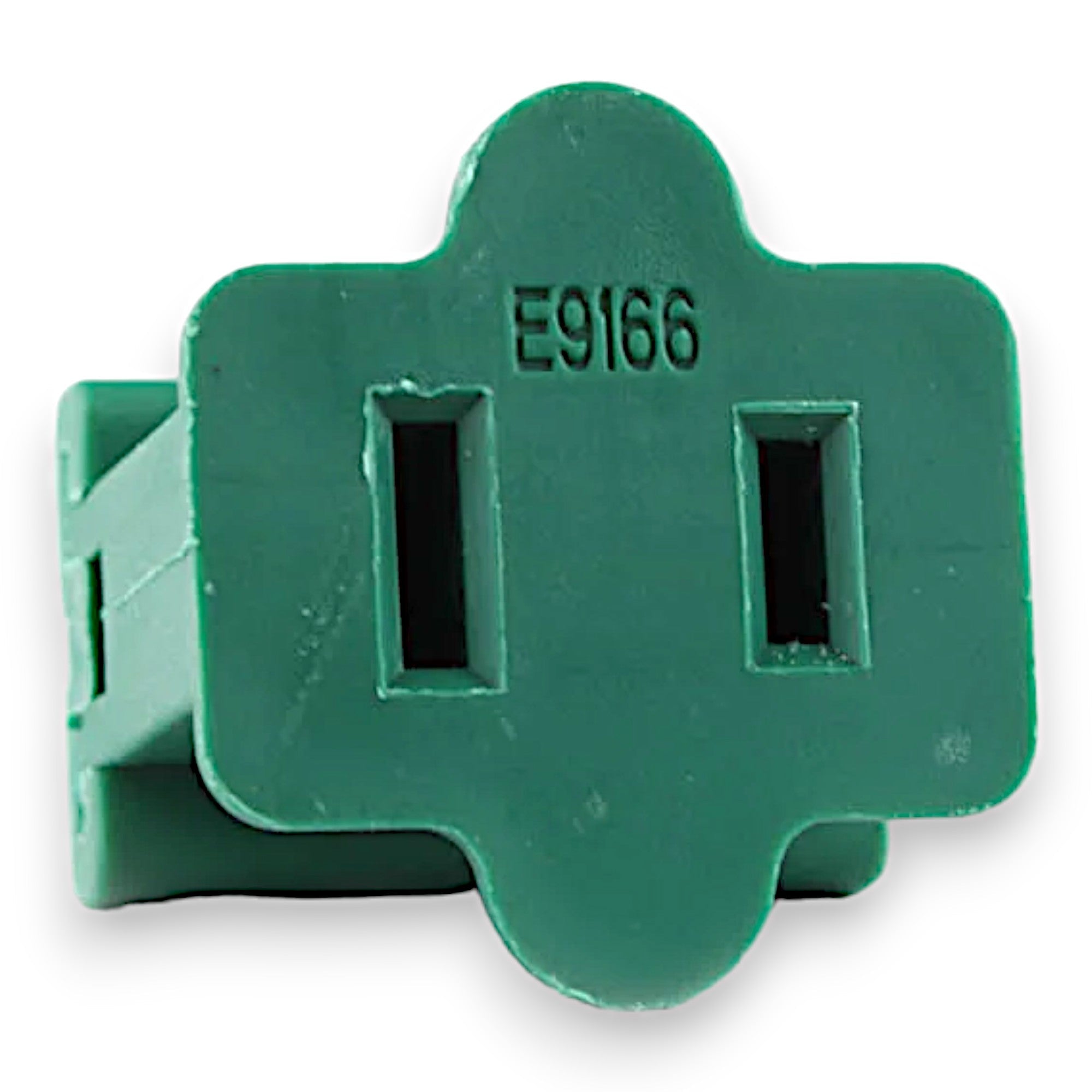
Same hard truth as commercial: most residential installs fail by mid-December because the gear isn't commercial-grade. Cheap C9s lose bulbs after three cold snaps. Big-box SPT-1 wire cracks. Off-brand plugs fail in the rain. Then you're on a ladder in 20-degree weather doing a no-pay callback.
Christmas Lights HQ stocks the same gear professional installers use on commercial work, in case quantities small enough for any residential install business. Tuff Bulbs C9 LEDs with a 5-year warranty. SPT-1 socket wire that handles real winters. Gilbert plugs that don't fail. Pre-assembled Pro Light Kits ready to ship same-day before 2 PM ET. Free shipping on orders over $349.
Got a Facebook setup question or anything else — find us on Christmas Lights on Facebook or message us directly. Let's keep building.
— Jason